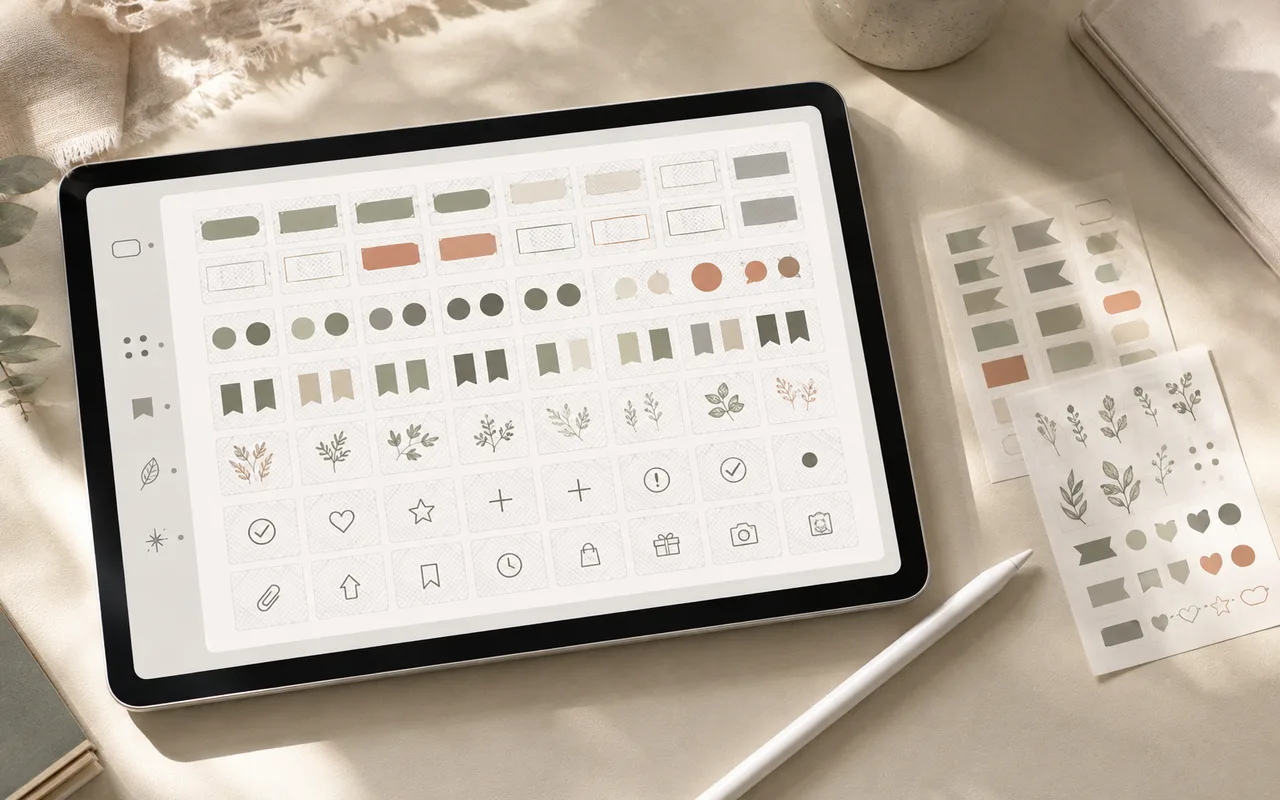
Uma biblioteca de adesivos é valiosa quando reduz o trabalho repetido. Organize-a com base em como você pesquisa—status, assunto ou rotina—em vez de onde um ativo veio.
Step 1
Salvar apenas partes reutilizáveis
Mantenha rótulos, marcas, ícones e decorações que você possa imaginar usando pelo menos duas vezes. Arquive ativos de novidade em outro lugar.
Step 2
Use um vocabulário pequeno de tags
Comece com cinco a oito tags, como planejamento, estudo, bem-estar, etiquetas, sazonal e minimalista. Adicione detalhes somente depois que uma busca repetida falhar.
Step 3
Prepare arquivos transparentes
Arquivos PNG com fundos transparentes se posicionam de forma limpa na maioria das cores de papel. Use uma ferramenta de remoção de fundo quando a imagem de origem tiver um fundo plano indesejado.
Step 4
Criar álbuns de trabalho
Os álbuns devem atender a uma tarefa: organização semanal, anotações de curso, planejamento de refeições ou revisão de projetos. Um único recurso pode pertencer a mais de um álbum.
Antes de terminar