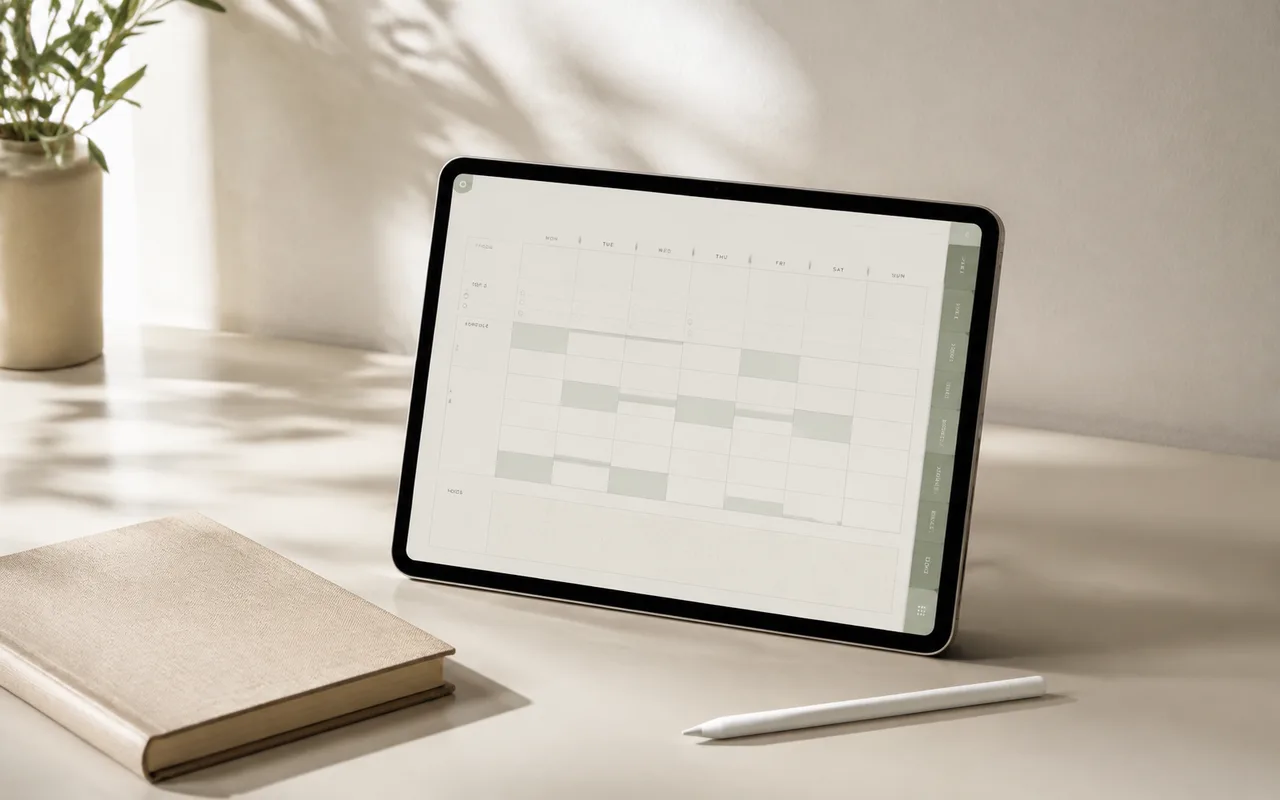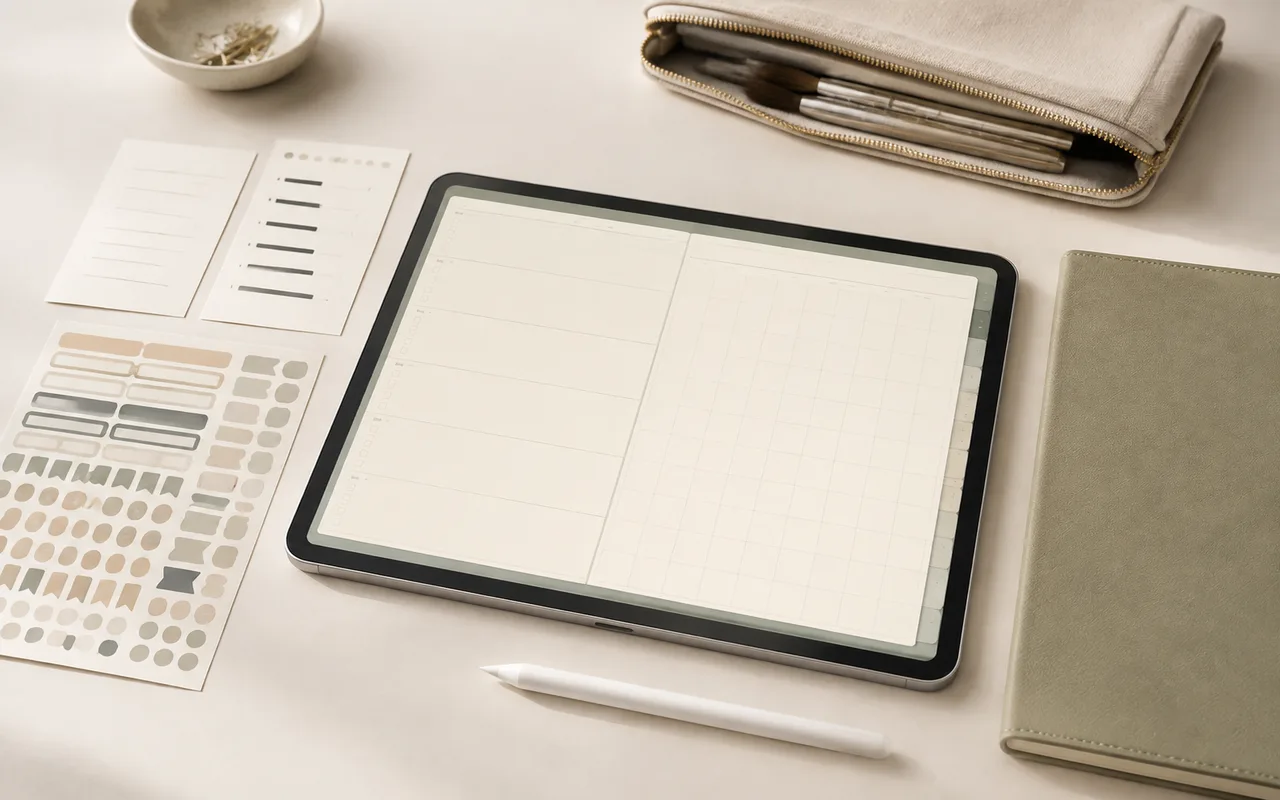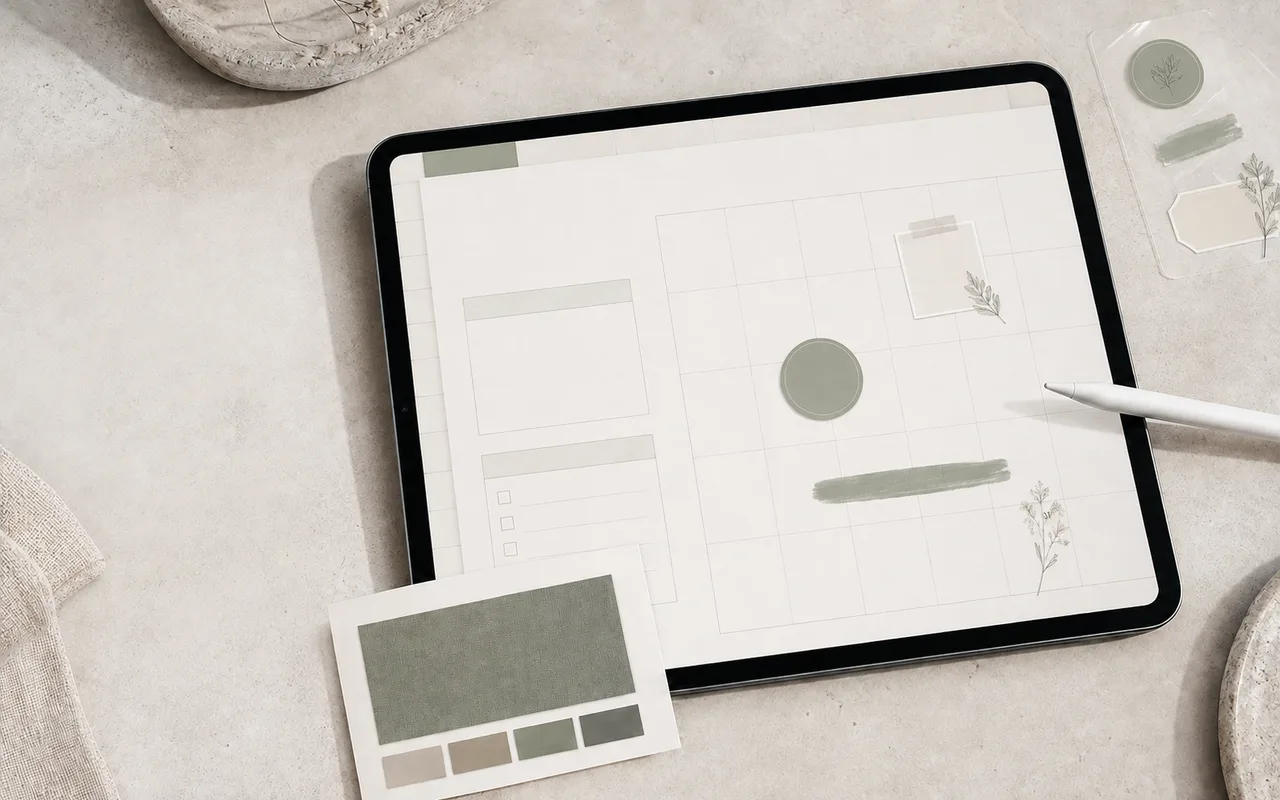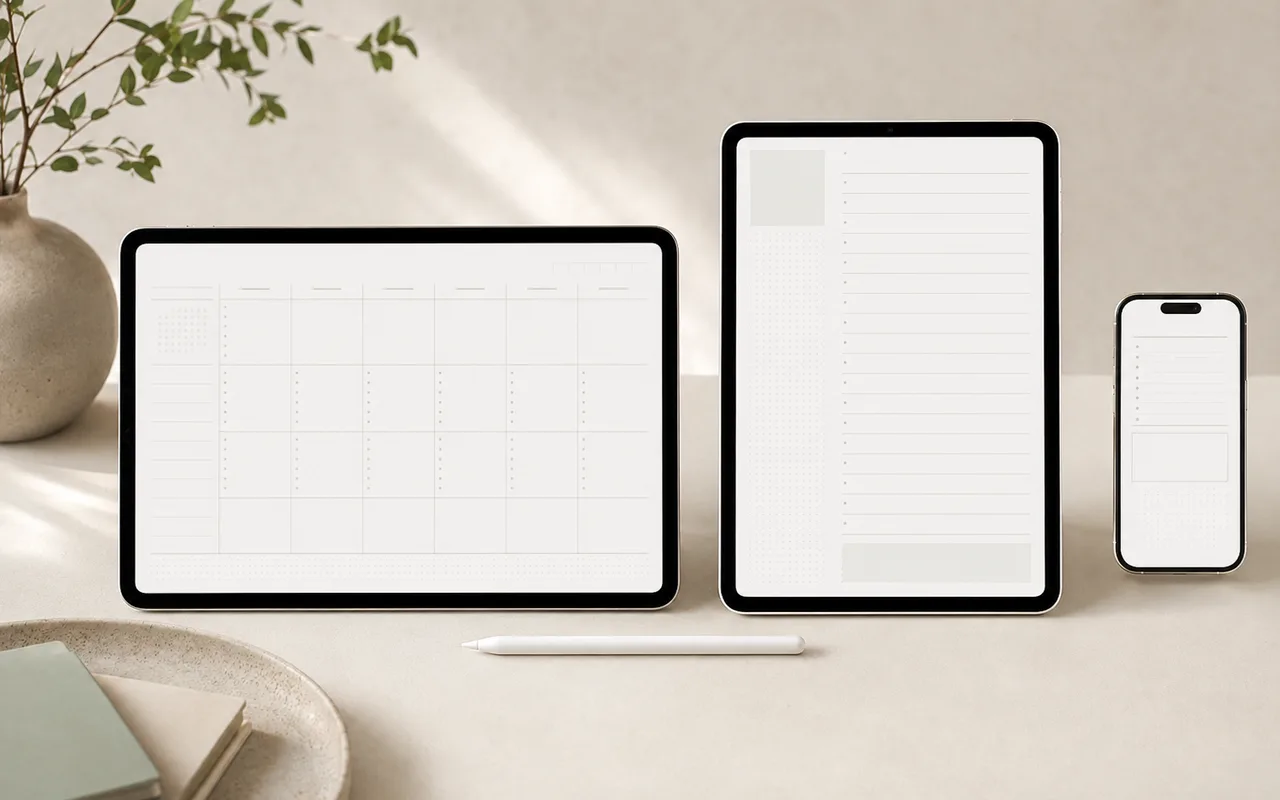
O melhor layout é aquele que permanece confortável durante os momentos em que você realmente planeja. O tamanho da tela, o uso de tela dividida e o estilo de escrita à mão importam mais do que apenas a estética.
Step 1
Escolha paisagem para visão geral
Os layouts de paisagem funcionam bem em tablets na orientação horizontal e abrem espaço para spreads semanais, quadros de projetos e anotações lado a lado.
Step 2
Escolher retrato para escrita
Os layouts de retrato parecem mais próximos de um caderno tradicional e são confortáveis para diários, anotações de aula e planos diários de coluna única.
Step 3
Escolha mobile para captura
Um planejador focado em celular deve usar alvos maiores, seções curtas e informações menos densas. Ele funciona melhor para captura e revisão rápidas, em vez de longas sessões de escrita à mão.
Step 4
Execute um teste de três minutos
Visualize a mesma página em cada orientação. Escreva duas linhas, abra o teclado e tente a tela dividida. Escolha o layout com menos ajustes.
Antes de terminar